
Vigiloo FAQ: clear answers for peace of mind
Quickly find the information you need on installation, security, alerts and Vigiloo subscriptions.
We support you every step of the way.
Security and privacy
Does Vigiloo access my child’s private content?
No, Vigiloo respects your child’s privacy. The app analyses online activity to detect risky behaviour without accessing private content such as personal messages or photos.
How is my data protected?
All data collected is encrypted and stored securely. Vigiloo is committed to complying with applicable personal data protection regulations.
Will my child know they are being monitored?
Yes, Vigiloo encourages a transparent approach. We recommend telling your child that the app is installed and discussing together why you are using it.
Can I temporarily disable monitoring?
Yes, you can pause monitoring at any time from your parent dashboard. This lets you adjust supervision to needs and situations.
Is it GDPR compliant?
Installation and setup
Which devices can I install Vigiloo on?
Vigiloo installs on your child’s Android and iOS smartphones and tablets. The parent dashboard is available in the app or through a web interface. Make sure the devices run the required operating system versions for the best compatibility.
Do I need to install anything on my child’s device?
Yes, the Vigiloo app must be installed on your child’s device to enable supervision. Detailed instructions are provided during installation to make the process easier.
How long does installation take?
Installing Vigiloo is quick and intuitive, usually done in a few minutes. A step-by-step guide supports you throughout, with a demo right from the start.
Do I need technical skills to use it?
No, Vigiloo is designed to be accessible to every parent, even without technical skills. The interface is user-friendly and customer support is available to help if needed.
Can I manage several children with one account?
You can use a single parent account to manage several child profiles, but each profile requires a separate subscription. This lets you tailor monitoring to each child’s age and needs while managing everything from your parent interface.
Monitoring and alerts
What types of activity are monitored?
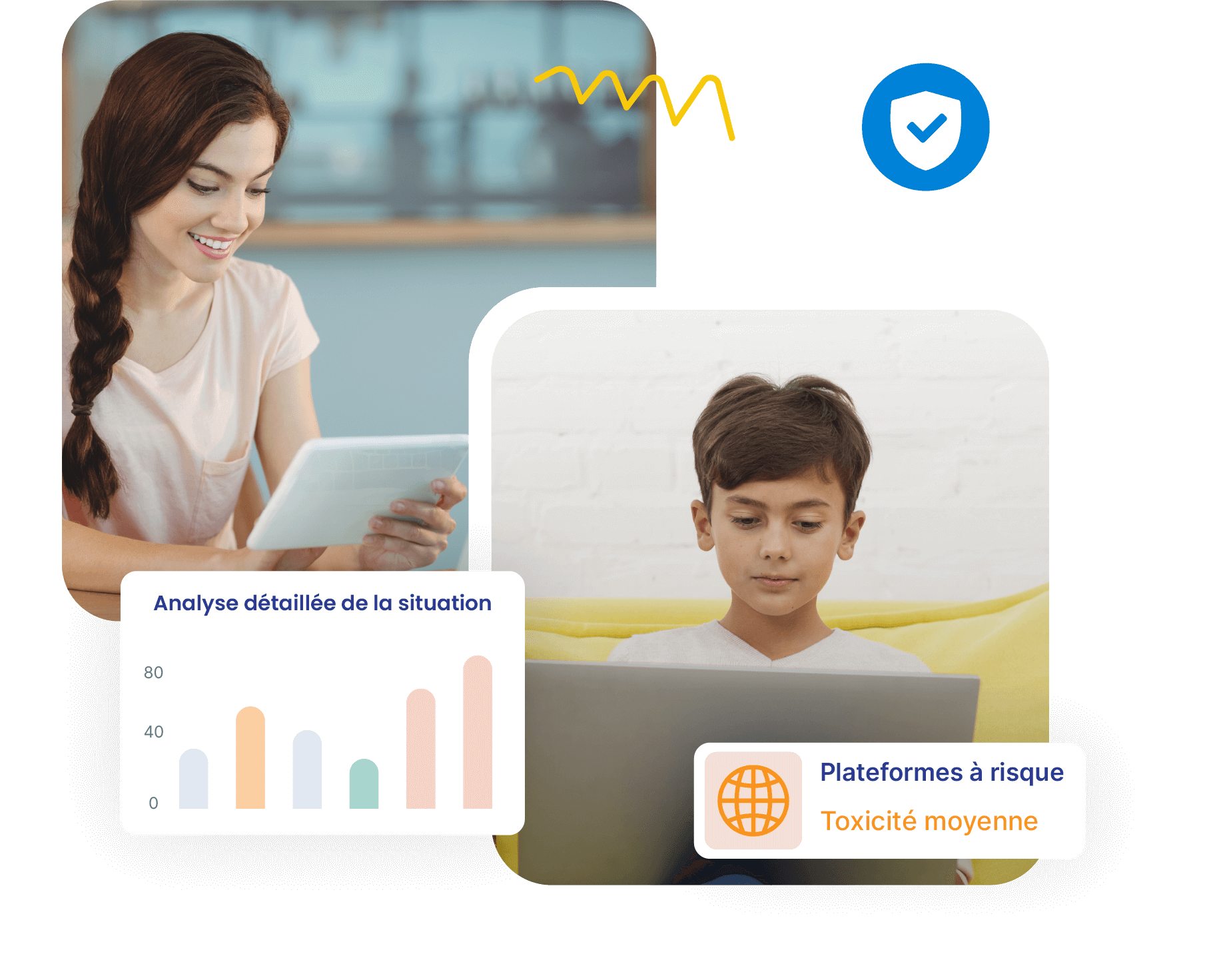
Vigiloo monitors app use, websites visited and screen time, and detects risky behaviour such as cyberbullying or access to inappropriate content.
How often am I alerted?
Alerts are sent in real time as soon as suspicious or worrying activity is detected. You can also view regular activity reports.
Can I change the types of alerts I receive?
Yes, Vigiloo lets you customise alerts to your preferences, so you can choose the types of activity you want to be notified about.
How does risky behaviour detection work?
Vigiloo uses advanced algorithms to analyse online activity and identify potential signs of risky behaviour, such as bullying or access to inappropriate content.
Can I see all the conversations?
No, Vigiloo respects the confidentiality of communications. The app does not let you read private messages but alerts you when risky behaviour is detected.
Content and interactions
What types of content are filtered?
Vigiloo filters inappropriate content such as violence, pornography or hate speech, according to the settings you choose.
Does Vigiloo automatically block certain sites?
Yes, the app has a list of inappropriate websites that are blocked automatically. You can also add specific sites to block or allow.
Can I choose which platforms to monitor?
Yes, Vigiloo lets you choose the specific apps and platforms you want to monitor, for supervision tailored to your needs.
Can my child bypass monitoring?
Vigiloo is designed to resist bypass attempts. Any attempt to uninstall or disable the app triggers an immediate alert.
How does Vigiloo handle online games?
The app tracks time spent on online games and can restrict access to certain games according to the settings you choose.
Parental support
How can I use Vigiloo without breaking my child’s trust?
We recommend a transparent approach: talk with your child about why you are using Vigiloo, focusing on safety and wellbeing.
Does the app include digital parenting advice?
Yes, Vigiloo offers resources and advice to help parents guide their children towards responsible digital use.
Can I get emotional or behavioural insights?
Vigiloo analyses online behaviour to detect signs of distress or stress, so you can step in if needed.
How do I interpret digital wellbeing indicators?
The app provides clear, detailed reports on screen use, helping you understand your child’s digital habits and spot potential problems.
Can I share access with the other parent?
Yes, Vigiloo lets several parents or guardians supervise the child’s activities, for a collaborative approach to digital parenting.
Pricing and subscription
Is there a free version of Vigiloo?
Vigiloo offers a free trial version with limited features, so you can try the app before subscribing to a paid plan.
What happens at the end of the free trial?
At the end of the trial period, you can choose to subscribe to a paid plan to keep using all Vigiloo features.
Can I switch to another plan during my subscription?
Yes, you can change your subscription plan at any time to suit your needs, directly from your user account.
How do I cancel my subscription?
You can cancel your subscription at any time from your account settings. Cancellation takes effect at the end of the current billing period.
Support and assistance
How do I contact the Vigiloo team if I have a problem?
You can contact our support team through the contact form on our website or directly from the app.
How quickly can I get an answer?
Our team aims to answer every request within 24 to 48 business hours.
Is there support at weekends?
Support is available Monday to Friday. For emergencies, please see our online help center, available 24/7.
Can I request a demo before buying?
Yes, we offer free, personalised demos to help you understand how Vigiloo can meet your specific needs.
Is there a community or online help center?
Yes, Vigiloo has an online help center with articles, guides and a user community to support you in using the app.
Finished the Vigiloo FAQ? Discover all our features here
Find out how Vigiloo protects your children online with advanced monitoring, inappropriate content detection and parental control tools.
Give them a safe, age-appropriate digital environment, with parental control software pricing that is clear, fair and free of surprises.
What does each Vigiloo subscription include?
Before choosing your plan, discover all the features included in our offers. Vigiloo helps you protect your children with tools suited to every age.
What experts say about digital monitoring
Psychologists and child specialists talk about the importance of caring digital supervision. Get informed to make an enlightened choice.